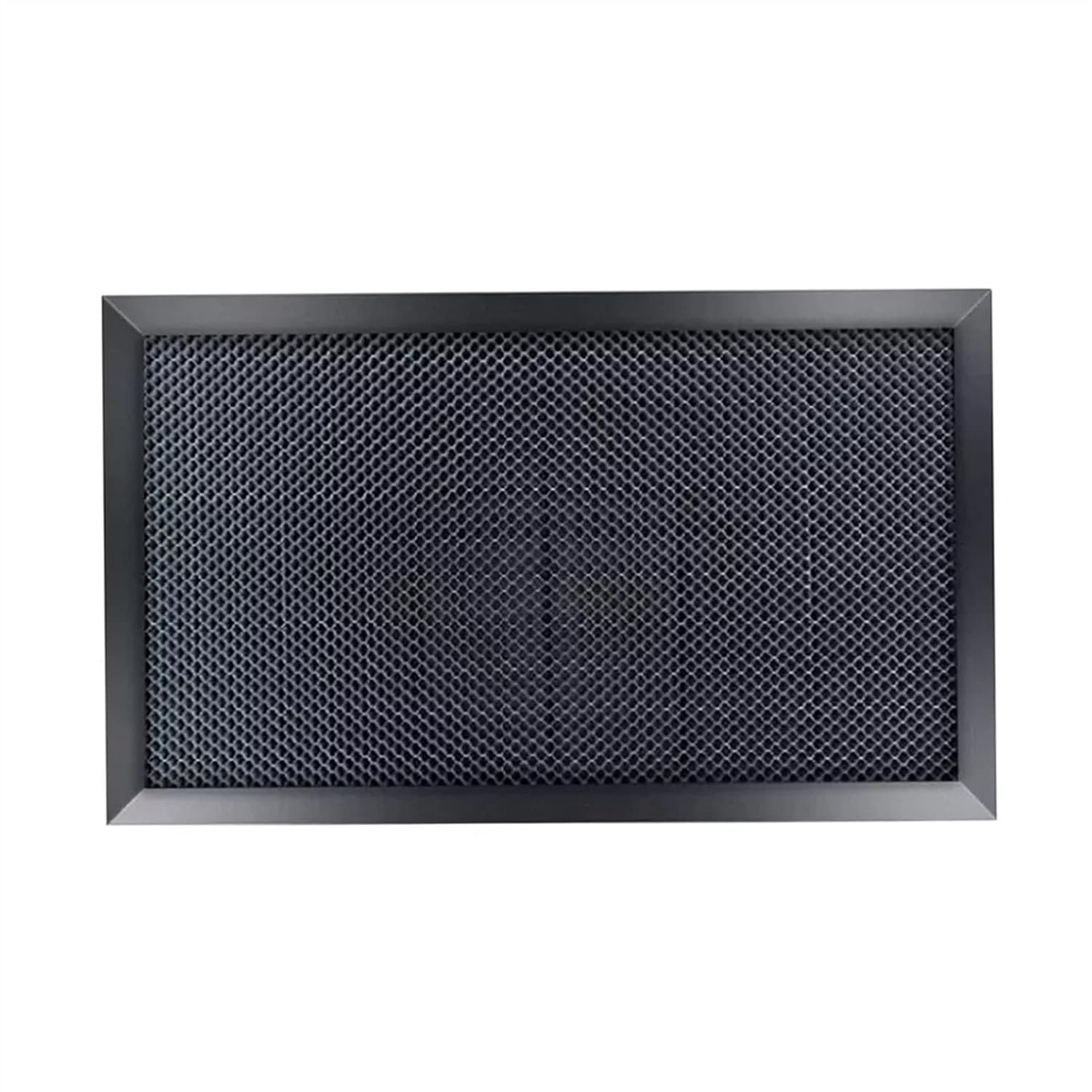
Fixed honeycomb bed
zwqpeic K40 Honeycomb Bed
zwqpeic's galvanized honeycomb in a K40 size, set to focus with shims.
- Bed & table
- Fits the K40

A powered Z table built to fit most K40 and D40K lasers, delivered assembled. It moves the work up or down to the focal point, so thick blanks and thin sheet both land in focus without a stack of shims.
The stock K40 bed sits at one height. Everything you put under the lens has to be brought up or down to the focal point by hand, with scrap, washers or a lab jack. That works for one thickness of plywood and falls apart the moment you engrave a box lid and then cut 3mm sheet.
A powered Z table fixes the height problem at the bed. Lightobject designed this one for the K40 and D40K, and it arrives already assembled. Raise the bed until the material's top surface meets your focus gauge, run the job, lower it for the next piece.
Where a Z table earns its place on a K40:
It also takes guesswork out of setup. Shims get lost, stacks shift and a lab jack tilts. A bed that moves square and stays put means the only variable left is the material.
The K40 upgrade order puts a proper bed after optics, alignment and air, which is right: a Z table cannot fix a beam that does not reach the lens clean.
| Spec | Value |
|---|---|
| Type | Powered Z table / bed |
| Maker | Lightobject |
| Made for | Small CO2 desktop laser machines |
| Fits | Most K40 and D40K lasers |
| Design | Customized for the K40 upgrade |
| Height adjustment | Powered (Z axis) |
| Condition on arrival | Already assembled |
| Dimensions | 18 x 4 x 14 in |
| Weight | 4 lb |
| Laser type | CO2 |
| Replaces | The K40's fixed-height stock bed |
| Control electronics | Not described; confirm with Lightobject |
Lightobject gives the table's dimensions as 18 by 4 by 14 inches, and it weighs 4 pounds. The 18 and 14 inch figures describe a footprint much larger than the K40's roughly 12 by 8 inch work area, because the lifting frame has to sit around the platform, not only under it.
That is why Lightobject says it fits most K40s rather than all of them. K40 cabinets vary from one factory to the next, and a few details decide whether this table drops in or needs work first:
| What to measure | Why it matters |
|---|---|
| Bay width and depth at floor level | The frame needs the full 18 x 14 in footprint |
| Exhaust duct lip at the back | On many K40s it hangs into the bay and blocks a larger bed |
| Lens-to-floor depth | Sets how far the table can travel and still reach focus |
| Door or lid opening | The assembled table has to pass through it |
| Screws and brackets on the bay floor | Old clamp standoffs can stop it sitting flat |
If the duct is in the way, many owners trim it back so it sits flush with the rear wall. Do that with the machine unplugged, file off burrs and check the exhaust still seals to the fan.
The 4 inch figure is most likely the table's height, which tells you how much of the bay's depth it takes before the bed starts moving.
A powered table needs something to power it. Lightobject's short description says the table is assembled and easy to use, but does not spell out the motor, the drive or whether a controller comes with it. Ask before you order, because the answer decides your wiring job.
Know what your K40 can and cannot do. The stock K40 board, the Lihuiyu M2 Nano, drives only the X and Y axes. Replacement boards in the same mould are two-axis too: the MEFORE board is sold as 2-axis GRBL control, and the M3 Nano set follows the stock layout. None of them has a spare Z output for this table.
That leaves a few routes, depending on what arrives:
Manual up-down control is all most K40 owners need. You set the height once per job with a gauge block, so the bed does not have to move under software command. Automatic focus is a bigger project than the table itself.
Software setup for any board change lives in the K40 software guide, which covers what each controller works with.


A Z table only helps if its surface is flat and square to the beam. Spend the first hour setting it up properly and every job after that gets easier. Rushing this step gives you a bed that is in focus at one corner and soft at the other.
Keep it working with a short routine:
Write your common heights on a card taped inside the lid: 3mm plywood, 6mm acrylic, the usual box lid. A written list beats memory at the end of a long day.
Recheck the mirrors when the table goes in; the K40 alignment guide walks the beam from tube to lens.
Lightobject says it fits most K40 and D40K machines. Measure the bay for its 18 x 14 inch footprint and check the exhaust duct lip, which often blocks larger beds.
No. The stock M2 Nano board drives only X and Y. Confirm with Lightobject whether a controller comes with the table, or plan a separate driver.
Yes. Lightobject ships it already assembled.
A honeycomb or flat plate on top gives cut parts support and lets smoke pass under the cut. Level the table and reset focus after fitting it.