
Best choice
OMTech K40+ 45W
The K40 most buyers choose
- Complete desktop CO2 laser
- 45W CO2 tube
- Fits the K40
The K40 CO2 laser, the bundles worth buying and the parts owners fit next, with the safety kit that should arrive on the same day.
Ranked by sales and demand · updated September 2026

A K40 is a desktop CO2 laser built around a 700mm glass tube rated at 40 watts, a small belt-driven gantry and a work area of roughly 300 by 200mm. The design came out of Chinese factories and many brands badge it, which is why the same blue-and-white box turns up under a dozen names.
Its beam sits at 10,600nm, deep in the infrared. That wavelength lets a K40 cut clear acrylic, which a blue diode laser cannot touch, and engrave glass, stone and anodized aluminium. It is also why you need eyewear rated for 10,600nm, not whatever safety glasses hang on the shop wall.
The tube is the good part. Everything around it is where the classic Chinese K40 cut corners, and owners meet the same list every time:
Newer machines such as the OMTech K40+ fix several of those at the factory: factory air assist, a honeycomb work surface and a LightBurn-ready controller. They cost more than a bare blue box, and they are what most buyers pick now.
Why this one: The OMTech K40+ 45W: air assist built in and LightBurn out of the box, the fixes owners used to buy.
Owning a K40 already, or not, splits the whole decision in two. Without one, you are choosing a machine and a way to keep its tube cool; with one, you are choosing which weakness to fix next.
Two complete K40-class lasers lead the field. OMTech's K40+ 45W is one; VEVOR's 45W desktop machine, with its 12 by 8 inch bed and bundled rotary, is the other. Both run LightBurn, both have air assist and both are water-cooled. The OMTech comes in more bundles, and it is the one most buyers choose.
| Your situation | Start with | Why |
|---|---|---|
| Warm room, long jobs | K40+ with CW-3000 chiller | Flow and temperature alarms arrive with the machine |
| Cool basement, short jobs | K40+ base | Spend the difference on an exhaust fan |
| Cups and tumblers | K40+ rotary bundle or the VEVOR | Both come with a rotary axis |
| Classic K40 on the bench | An air-assist head | Biggest jump in cut quality per part |
| K40 stopped cutting | Lens and mirrors first | They fail long before the tube |
Both machines quote 45W as a peak figure from a tube that still fits the K40 footprint. Expect a little more speed than a classic 40W box, not a bigger machine. A used classic K40 costs far less, but budget for an air-assist head, a proper bed, a stronger fan and a flow switch before you compare the two.
Whatever the K40 laser engraver price, the safety kit a K40 needs on its first day stays the same:
 OMTech CO2 Laser Marking Spray
 |
 Cloudray ZnSe Focus Lens
 |
 CNCOLETECH ZnSe Focus Lens
 |
 Cloudray CO2 Laser Mirrors
 |
 OMTech CO2 Laser Coolant
 |
 TEN-HIGH 40W CO2 Laser Tube
 | |
| Type | Supplies & tools | Lens & mirrors | Lens & mirrors | Lens & mirrors | Cooling | Laser tube |
| Power | — | — | 40W | — | — | 40W |
| Size | — | 20mm | 20mm | 25mm | — | 700mm long |
| Fits K40 | Check size | Check size | Check size | Check size | Check size | Check size |
| View offer | View offer | View offer | View offer | View offer | View offer |
Most of what K40 owners buy is consumable: lenses, mirrors, coolant, marking spray and tubes. In every one of those, the size and fit details matter more than the brand name printed on the box.
A part marked for CO2 lasers in general is not a misfit. It means you confirm the diameter yourself, and the K40 makes that simple once you know its numbers:
Material decides how long an optic lives. ZnSe is the standard lens crystal; the CVD grade is clearer and more durable than the cheaper PVD grade. For mirrors, gold-plated silicon reflects the most, molybdenum shrugs off scratches and repeated cleaning, and K9 glass is the budget option many stock K40s ship with.
Lens shape matters less than people fear. Plano-convex and meniscus lenses both focus fine on a K40, as long as the curved side faces up toward the incoming beam. Fit it upside down and the spot grows, the kerf widens and cutting power seems to vanish.
Handle every optic by its edges. Skin oil on a lens absorbs the beam, heats up and can crack the crystal, which is why a smudge left after cleaning costs more than the few seconds a clean pair of gloves takes.
A 20mm CVD ZnSe meniscus lens at the 50.8mm focal length most K40 heads use. It suits heads with a 20mm lens seat; the stock head takes 12mm, so check yours before you order.
View offer
A 700mm, 50mm-diameter 40W tube, the size the K40 bay is built around, with both leads already attached. Fit it only after the mirrors and lens check out.
View offer
OD5+ goggles rated for 10,600nm, the CO2 wavelength, and certified to EN 207. Sunglasses and ordinary shop glasses carry no rating for it.
View offer
Spray bare metal, let it dry, engrave, rinse: the mark stays black. It is how a CO2 laser of 25W and up signs stainless steel, brass and aluminium.
View offerWeak cuts on a K40 usually start in the beam path, not the tube. Dirty or pitted optics and a drifted mirror steal power long before the tube wears out, and they cost a fraction as much to put right.
Work through the checks in this order, with the machine switched off for cleaning and your CO2 glasses on for every test pulse:
If the optics pass and the tube still glows pink but cuts weakly, check the water temperature. Output falls as the loop warms, so a hot afternoon can look like a dying tube.
Spend in the same order of payoff. A focus lens is the cheapest part that restores cutting power. A tube is the expensive fix you make once the optics pass. The goggles and the marking spray are the two buys owners skip and then wish they had not.
On the spray: a CO2 laser cannot mark bare metal by itself, because metal reflects 10,600nm light. The coating bonds a black mark to stainless steel, brass or aluminium wherever the beam passes, and the rest rinses away. It lets a K40 sign tools and tumblers without pretending to be a fiber laser.
Complete K40s are a small slice of what exists for the machine. The parts that wear out, or that owners swap to fix the stock shortcuts, make up nearly everything else.
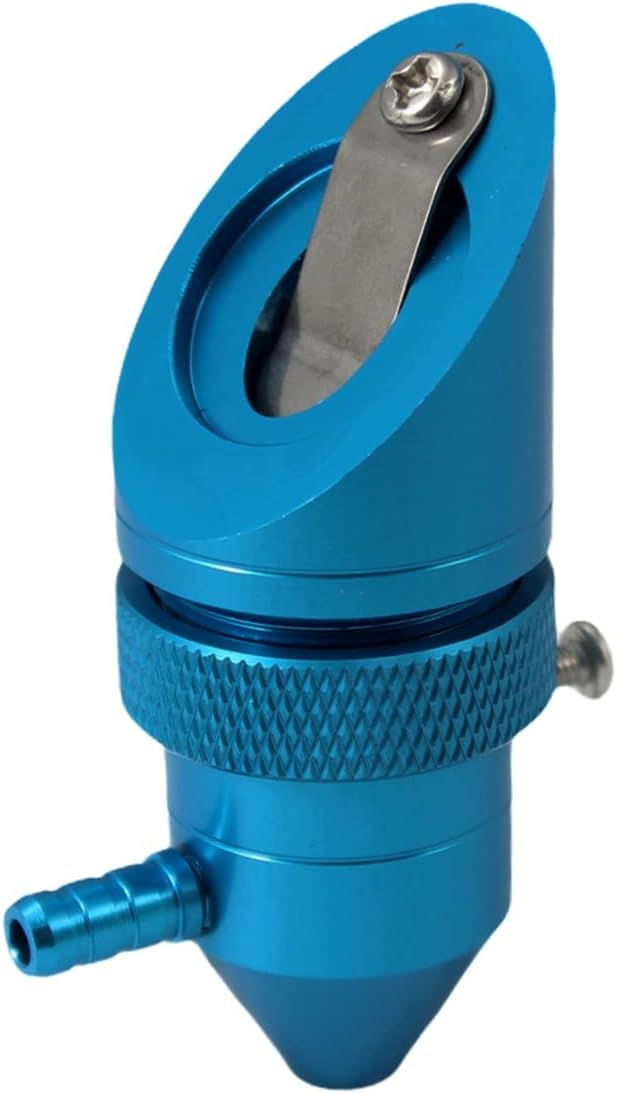
Lenses and mirrors lead because they are consumables that every owner replaces sooner or later. Laser heads come next, driven by the air-assist upgrade. Tubes and power supplies follow, since both eventually fail and both are sized to the K40 bay and its wiring.
Know these patterns before you spend anything:
Controller boards are the smallest group and the most consequential. A drop-in GRBL board with the same 97 by 64mm footprint as the M2 Nano is what turns a classic K40 into a LightBurn machine, while an M3 Nano set keeps you on the stock software. Choose based on the software you want to run, then check the mounting holes.
60 machines and parts, sorted by type. Open one for fit notes before you order.

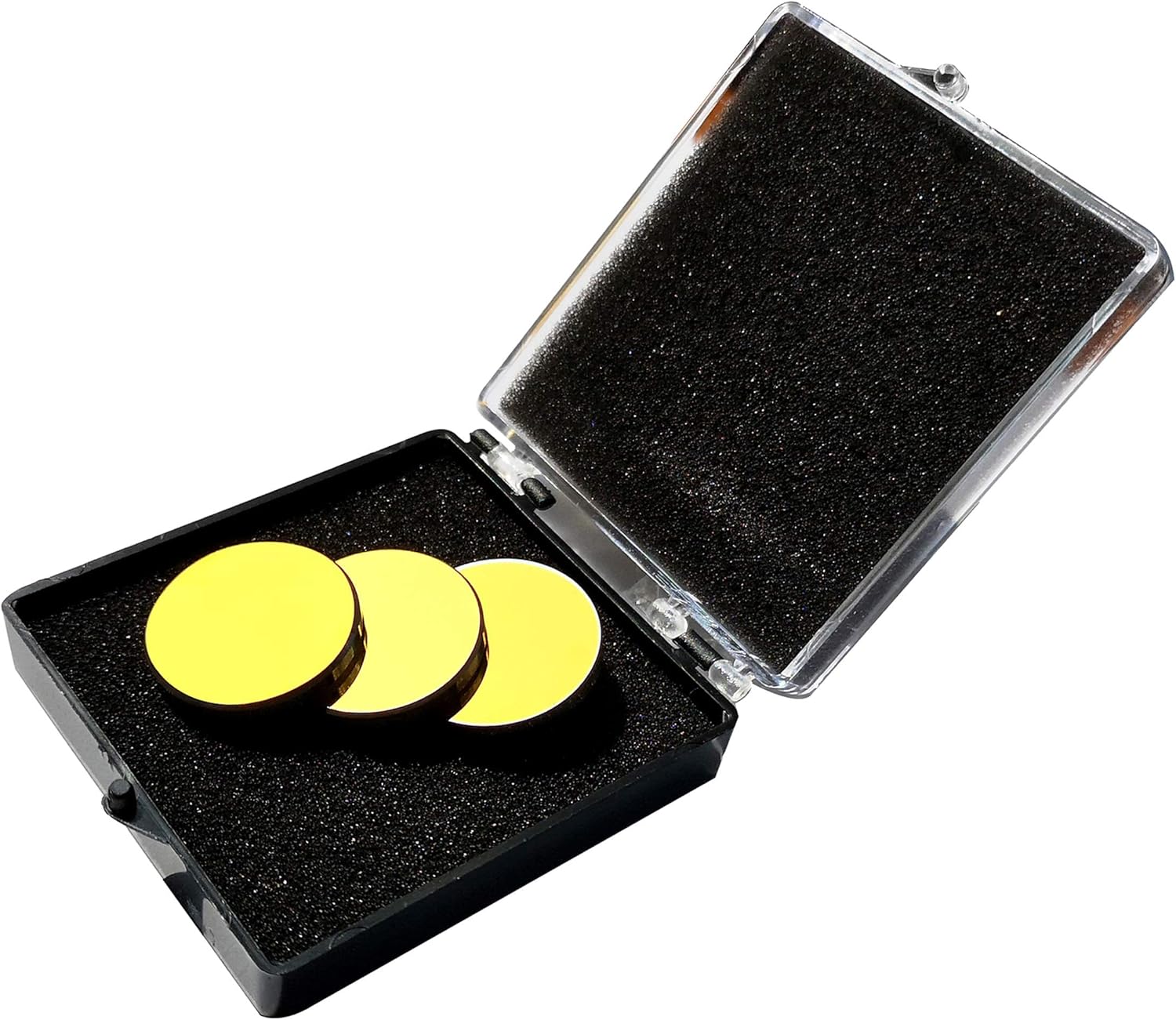


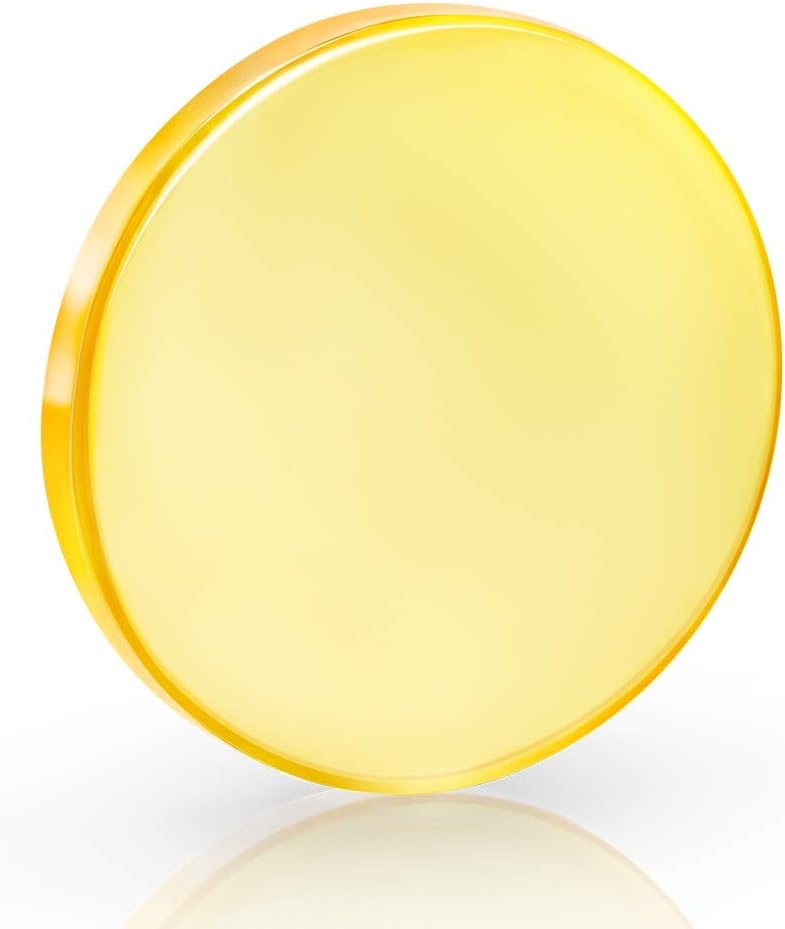




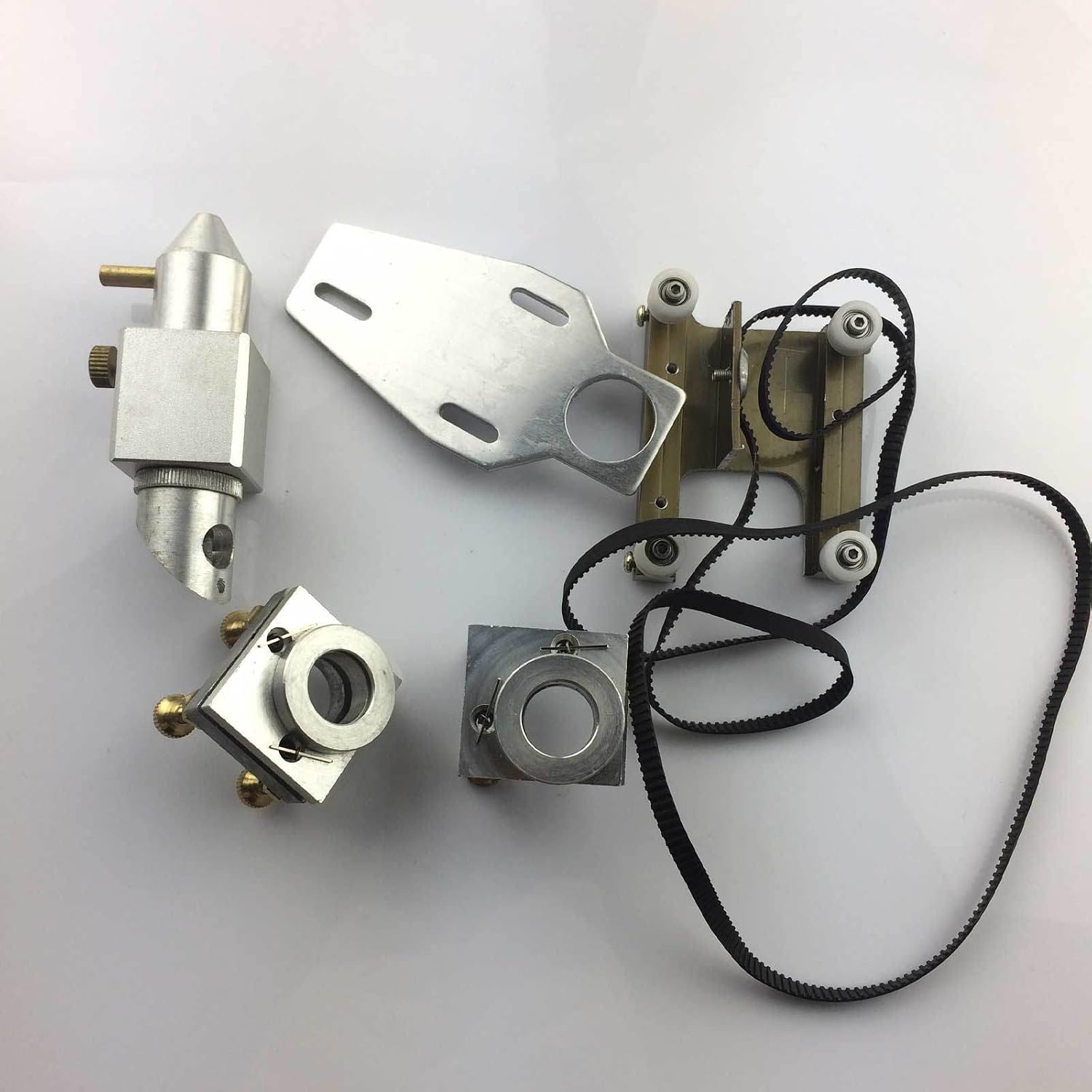


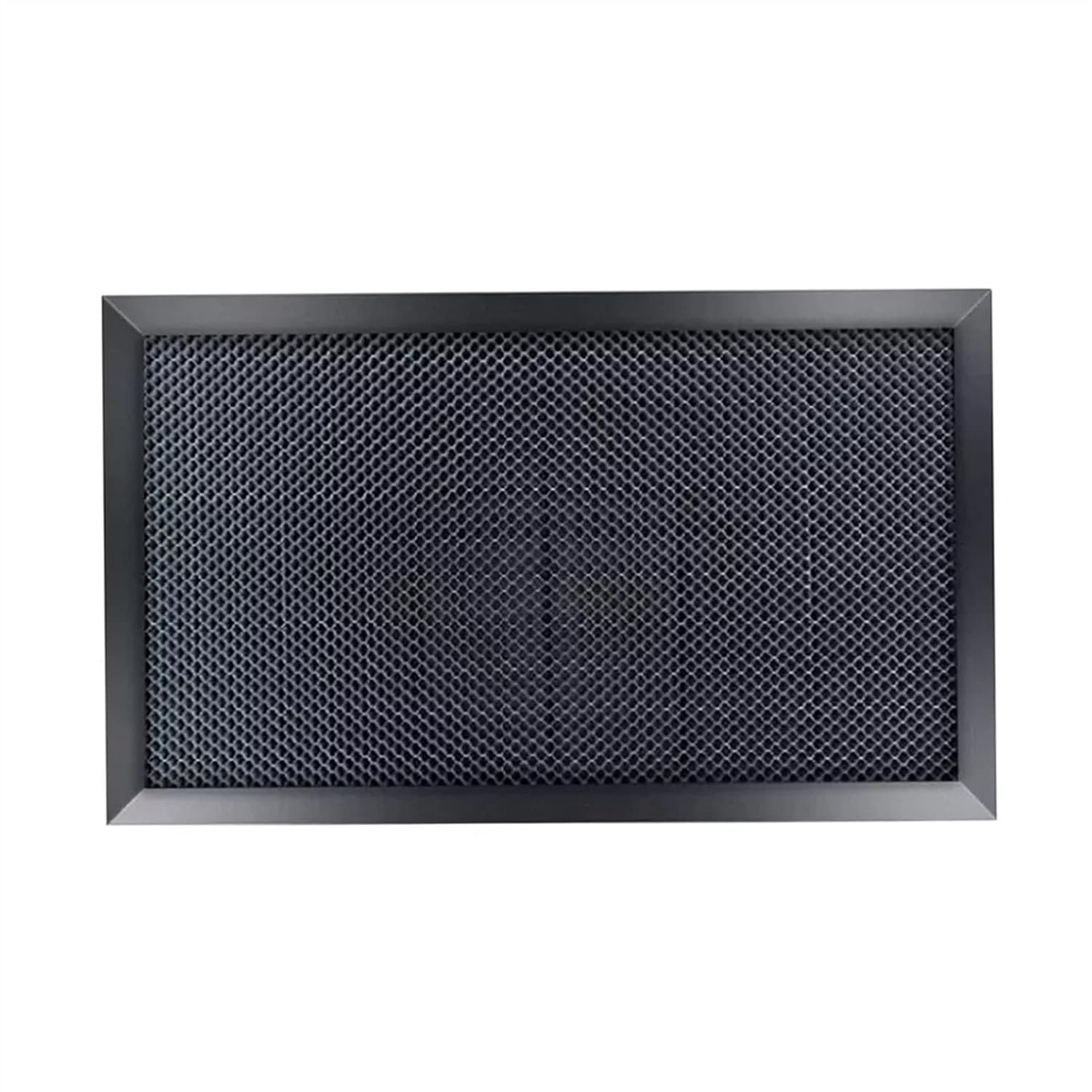



K40 parts fit or fail on small details: a lens seat, a mirror diameter, a bracket hole. Shop with a tape measure and a screwdriver nearby, because K40s from different factories and years differ in small ways. A carriage bracket a few millimetres off, or a lens tube with a different thread, is enough to stop a part fitting.
Write these numbers down once and tape the card inside the lid:
Those six lines answer most fit questions before you order. They also help when you ask for help on a forum: a blue K40 says little, while M2 Nano, 12mm lens, 20mm mirrors and a 700mm tube says almost everything.
Some parts suit a K40 only after another change. A 20mm lens needs a head with a 20mm seat. A rotary axis needs clearance below the nozzle and a board able to run it. A 400 by 300mm honeycomb is simply too big for a K40 cabinet.
Keep the old parts when you upgrade. The stock 12mm lens and the original mirrors make serviceable spares for alignment work, and the stock head is your reference when a new head's bracket does not line up.
The questions that arrive in the first month of owning a K40 come in a natural order, and tackling them in that order matters. Most frustration comes from buying the exciting upgrade before the dull basics are done.
When something fails, the tube and supply page explains the milliamp limit, the pinout and a safe replacement. The dimensions guide helps when a machine or a chiller has to fit a real bench. Choosing between bundles? The OMTech K40+ breakdown compares them, and the K40 brands guide sorts out which badges hide the same machine.
Still unsure a CO2 laser suits you at all? The K40 against diode lasers comparison sets out what each does better. Diodes win on convenience and enclosure; the K40 wins on clear acrylic, glass and cutting speed through thin stock.
Keep a log from the first cut: date, material, thickness, speed, milliamps and result. After a month you hold a settings chart for your own machine, which beats any generic table, because every tube, lens and bed height combination behaves a little differently.
A desktop CO2 laser engraver and cutter built around a 700mm glass tube rated at 40W, with a work area of about 300 by 200mm. Many Chinese factories build it, and brands such as OMTech, VEVOR and others sell versions of it.
Thin plywood, MDF, acrylic, leather, card, paper and fabric, with thickness depending on power, focus and air assist. It engraves glass, stone and anodized or coated metal, but it cannot cut metal.
A stock M2 Nano controller cannot run it. Machines with a GRBL controller, such as the OMTech K40+, run LightBurn directly, and a classic K40 can with a replacement board.
Cheap glass tubes typically last somewhere between one and a few thousand hours. Running at modest current and keeping the water cool are the two habits that push it toward the top of that range.
Not for short jobs in a cool room, where a pump, a bucket of distilled water and a flow switch do the job. In a warm room or on long runs, a chiller with flow and temperature alarms protects the tube.
It can be, once you ground it properly, wear 10,600nm-rated glasses, vent fumes outdoors, never leave a job running unattended and keep an extinguisher close. Out of the box, the classic K40 lacks several of those protections.
For most first buyers, the OMTech K40+ 45W: air assist, a honeycomb bed and LightBurn support arrive from the factory. Pick its CW-3000 bundle for a warm room or long jobs.
These enclosed diode engravers are easier to live with than a K40, but slower through thick stock and unable to cut clear acrylic.


